How many battery cycles per year is normal for a MacBook?
A MacBook cycle count only makes sense when you compare it with age and real runtime. 250 cycles can be high on a barely used office Mac, while 700 cycles can be normal on a three-year-old MacBook Air used for school or travel.
Quick answer
Normal MacBook cycle count by age
What counts as a battery cycle?
Apple counts one cycle when you use an amount of charge equal to 100% of the battery's capacity. It does not have to happen in one sitting. Using 40% today, recharging, then using 60% tomorrow is one cycle.
That means cycle count is really a measure of total battery throughput, not how many times you plugged in your charger. Someone who drains from 100% to 20% most days will add cycles much faster than someone who mostly works plugged in.
When is cycle count too high?
Cycle count is too high when it lines up with symptoms: short runtime, sudden drops, Service Recommended, heat, swelling, or maximum capacity near 80%. A high cycle number by itself is not an emergency.
- Under 300 cycles: capacity should usually still be strong unless the Mac is old or the battery has a fault.
- 300-700 cycles: normal mid-life range for many MacBooks. Watch runtime and maximum capacity.
- 700-1,000 cycles: expected-wear range. Start planning if you depend on unplugged work.
- 1,000+ cycles: past Apple's common rating for modern MacBooks. Replacement may be worth it if runtime is a problem.
Runtime fix
High cycles? Protect the runtime you still have.
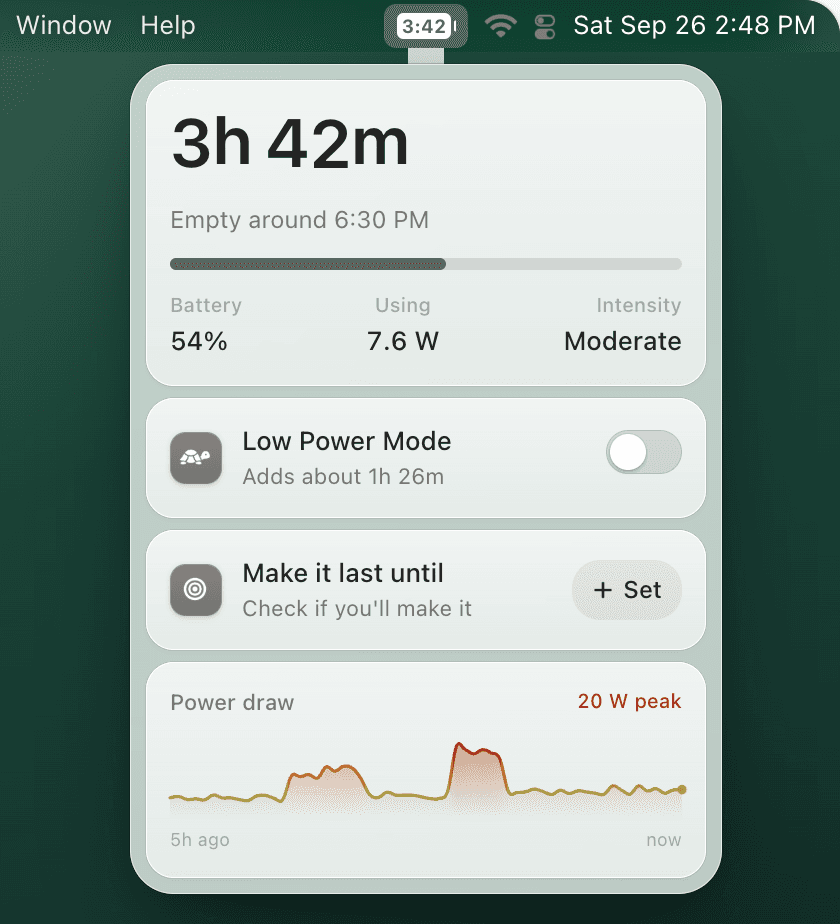
TurtleBar will not reduce your historical cycle count, but it helps each charge last longer by showing real time remaining, warning earlier, and turning on Low Power Mode automatically before your battery gets low.
How to check cycle count on macOS
- Hold Option and click the Apple menu.
- Open System Information.
- Select Power in the sidebar.
- Read Cycle Count, Condition, and capacity details.
Then compare it with MacBook battery health, maximum capacity, and your real time unplugged.